Compare · Proxyman
A free Proxyman alternative for Mac.
Cloak Proxy and Proxyman are both native Mac debugging proxies written in Swift. Proxyman's free version is a trial with limited features; in Cloak Proxy every feature is free. Here's how they compare, with a source for each fact about Proxyman, and when Proxyman is the better choice.
Checked on 13 October 2026 against Proxyman's own pages (the newer rows on 18 October 2026); Proxyman's pricing page re-checked on 19 October 2026.
In short
- Price
- Cloak Proxy is free, with no paid tier and no account. Proxyman's free version is a trial “for evaluation purposes with limited features”; licences start at $89 for one device.
- Debugging tools
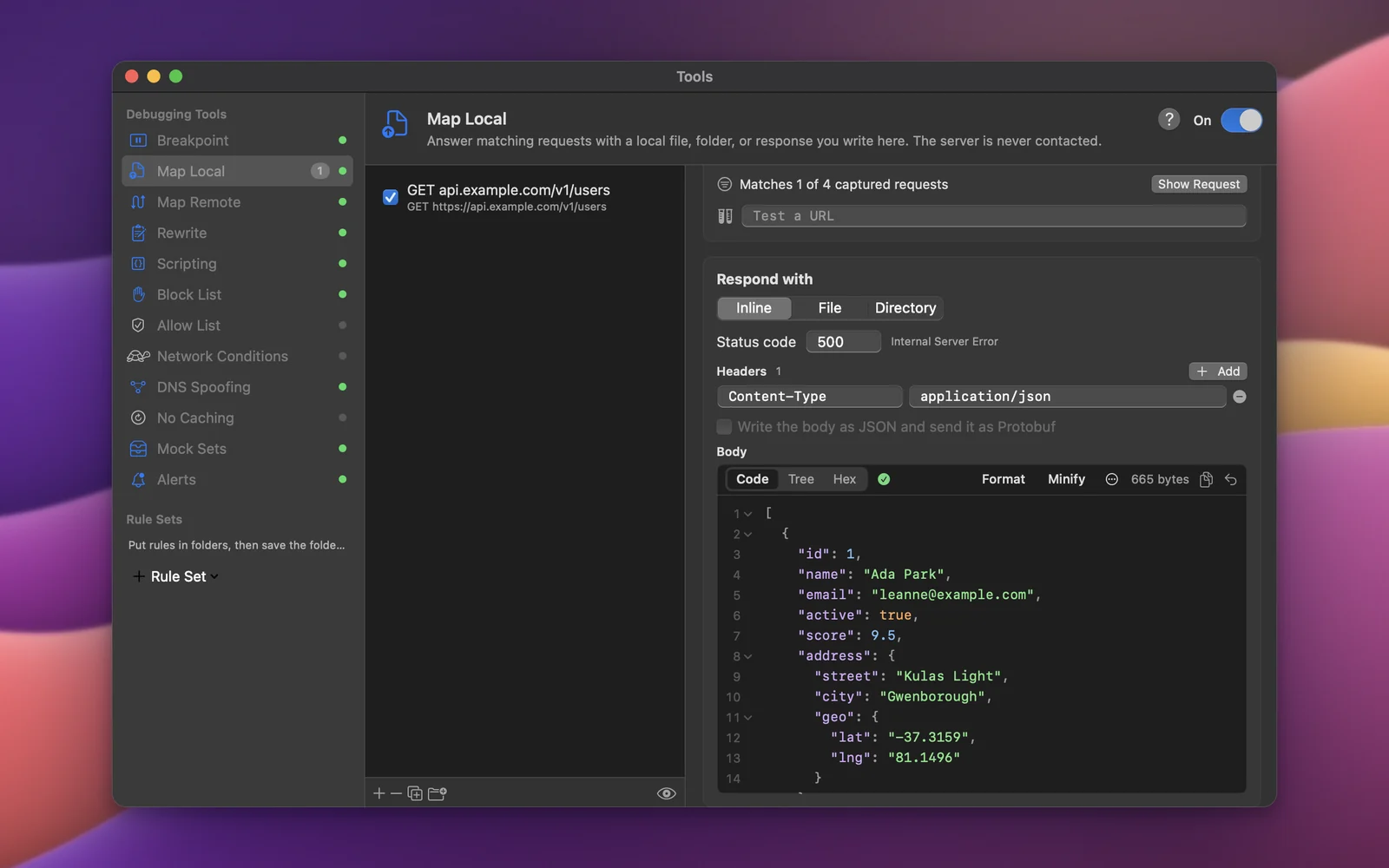
- In Proxyman's trial, Breakpoint, Map Local, Scripting, Network Conditions, HAR import and export and MCP support are paid features. In Cloak Proxy they're all included.
- Platforms
- Proxyman runs on macOS, Windows and Linux, with iOS and Android apps. Cloak Proxy is on the Mac, with a Linux beta; Windows is on the way.
Being fair
When to pick which.
Pick Proxyman if…
You need Windows, or a stable Linux release
Proxyman's licence covers macOS, Windows and Linux. Cloak Proxy is on the Mac, and on Linux as a beta that hasn't had a stable release yet.
You capture on the phone itself
Proxyman has iOS and Android apps, included with its Personal and Team licences. Cloak Proxy captures phones through your Mac; its iPad app isn't out yet.
Your team wants shared workspaces in the cloud
Proxyman's subscription includes team workspaces and sharing logs online. Cloak Proxy has no cloud: live sharing serves a read-only link from your own computer, on the same network.
You need a vendor licence
Cloak Proxy is notarized by Apple, but there's no paid support plan. If that matters to your company, a commercial licence is the simpler path.
Pick Cloak Proxy if…
You want the debugging tools without a licence
Breakpoints, Map Local and Map Remote, Rewrite, JavaScript scripting, network conditions and HAR import and export, free for life.
You want an API client in the same app
Save a captured request to a collection and send it again, in 11 protocols, with environments and tests, saved as files you can keep in Git.
Your AI agent should do the debugging
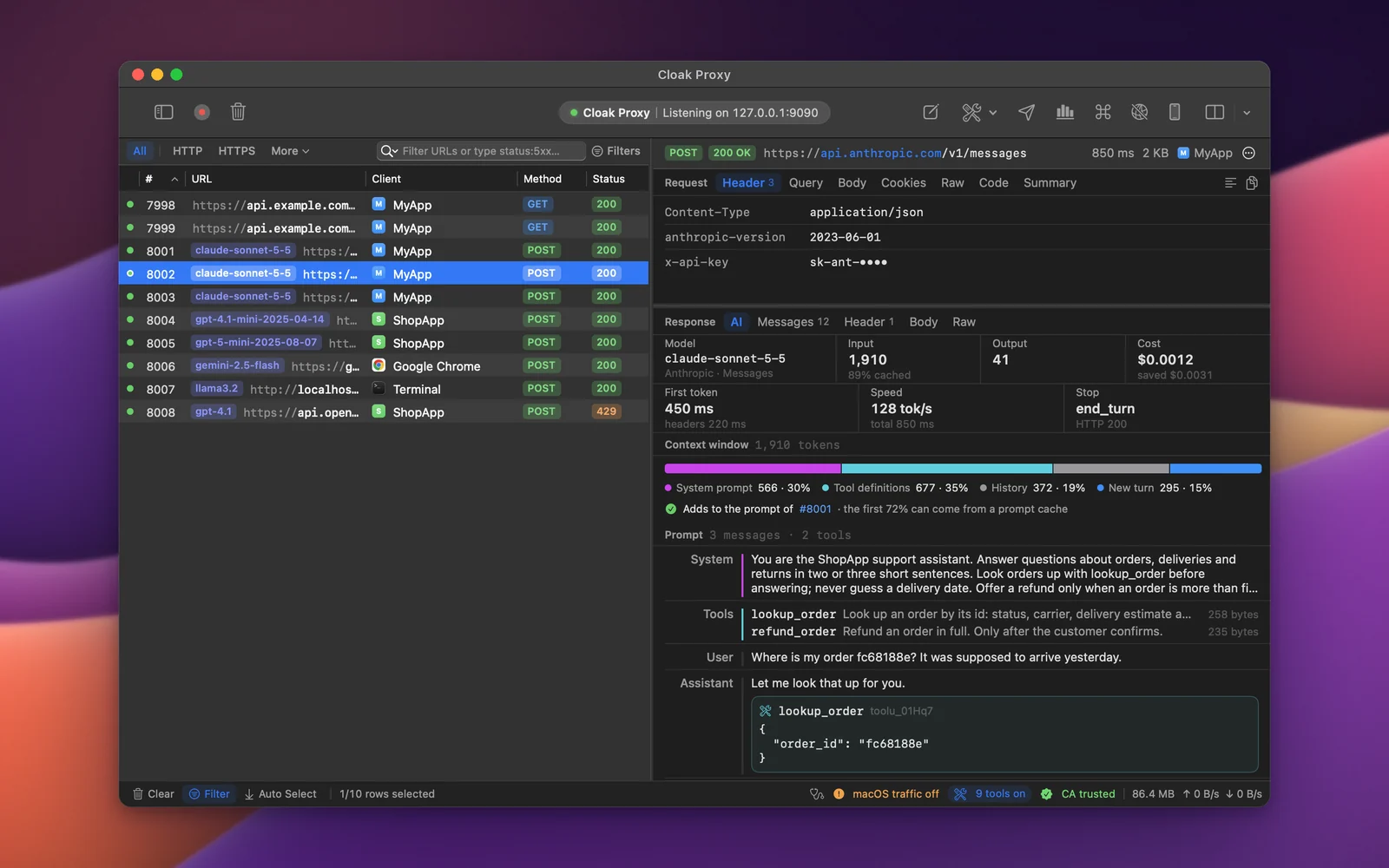
An MCP server with 133 tools, free, that can read traffic and also add mocks, rules and failures. In Proxyman, MCP support is a paid feature.
You test APIs, not just watch them
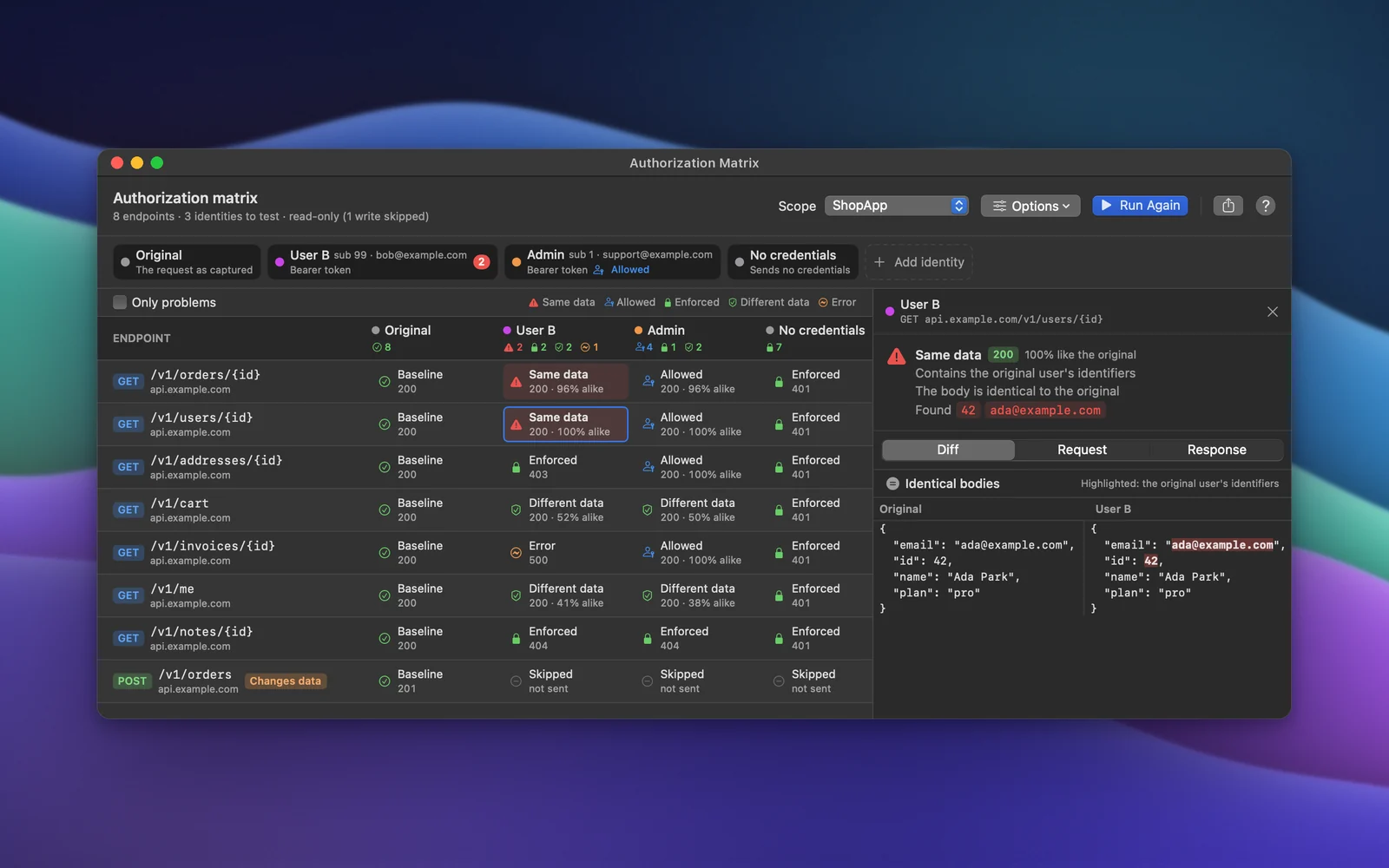
An authorization matrix that replays requests as other users, live checking against your OpenAPI spec, a release diff, and tests made from captured traffic.
Feature by feature
Cloak Proxy and Proxyman.
| Feature | Cloak Proxy | Proxyman |
|---|---|---|
| Price | Free, no paid tier | Limited free trial; paid from $89 |
| Platforms | macOS 14+; Linux beta | macOS, Windows, Linux, plus iOS and Android apps |
| Built with | Native Swift | Native Swift on Mac; Electron on Windows and Linux |
| Open source | No | No |
| Breakpoints | Yes | Paid |
| Map Local and Map Remote | Yes | Paid |
| Rewrite without code | Headers, query, URL, bodies and status | Through Map Local or scripting |
| Scripting | JavaScript | JavaScript, paid |
| Network throttling | Yes | Paid |
| API client with saved collections | Yes, 11 protocols, files you can keep in Git | Compose; exports to Postman |
| MCP server for AI agents | 133 tools, free, read and write | Yes, paid |
| Apps that ignore the system proxy | App Capture per app (network extension), or DNS capture | Network Extension: beta, macOS 26+, paid |
| iOS Simulator and Android emulator setup | Both, one click | Both; one click is paid |
| Checking traffic against your OpenAPI spec | Live, with coverage and CI exit codes | Exports OpenAPI; no checking |
| HAR import and export | Yes | Paid |
| Only in Cloak ProxyLLM Inspector | Built in, free | Not built in |
| Only in Cloak ProxyAuthorization matrix | Built in, free; fails CI with cloakctl | Edit & Repeat by hand |
| Only in Cloak ProxyTrace Value | Built in, free | Not built in |
| Only in Cloak ProxyReplayable flows with values chained | Built in, free | Repeat; chaining needs scripts |
| Only in Cloak ProxyPrivacy Map | Built in, free | Not built in |
“Paid” means not in Proxyman's free trial or tier. Prices are list prices before tax and change over time; follow the sources for today's. Checked on 13 October 2026 against Proxyman's own pages (the newer rows on 18 October 2026); Proxyman's pricing page re-checked on 19 October 2026. Spotted something out of date? Email hello@subcloak.com and we'll fix it.
Sources
Proxyman:PricingMCPNetwork ExtensionDocs index
Proxyman is a trademark of its owner. Subcloak isn't affiliated with it.
FAQ
Cloak Proxy or Proxyman?
Something else? Email hello@subcloak.com or book a call.
Is Cloak Proxy really a free Proxyman alternative?
Yes. Cloak Proxy is free for life, with no trial, paid tier or account, and that includes breakpoints, Map Local, Map Remote, scripting, network conditions, HAR import and export and the MCP server. Proxyman's pricing page lists those as paid features, not in its trial.
Can I bring my Proxyman traffic into Cloak Proxy?
Export the session from Proxyman as a HAR file (HAR export is a paid feature in Proxyman), then open it in Cloak Proxy with File › Open Session. See Import in the docs.
Does Cloak Proxy run on Windows?
Not yet. Cloak Proxy runs on macOS 14 Sonoma or later, Apple silicon or Intel, and on Linux as a beta (a .deb, an RPM, an AppImage or a tarball). Windows is on the way: join the waitlist and we'll email you once when it's ready.
Can it capture iPhone and Android traffic?
Yes, through your Mac: point the phone's Wi‑Fi proxy at it and install the certificate from a QR code, with one-click setup for the iOS Simulator and Android emulators. See Devices. It has no app that captures on the phone itself yet; Proxyman has iOS and Android apps.
Is Cloak Proxy open source?
No, and neither is Proxyman. If you need an open-source proxy, look at mitmproxy (MIT) or HTTP Toolkit (AGPL-3.0). Cloak Proxy's in-app SDK, CloakProxyKit, is MIT-licensed.
Try it on your own traffic.
Free for life, macOS 14 Sonoma or later, Apple silicon or Intel; Linux in beta. No account, no sign-up.