How to · Cloak Proxy
Capture Docker container HTTPS traffic.
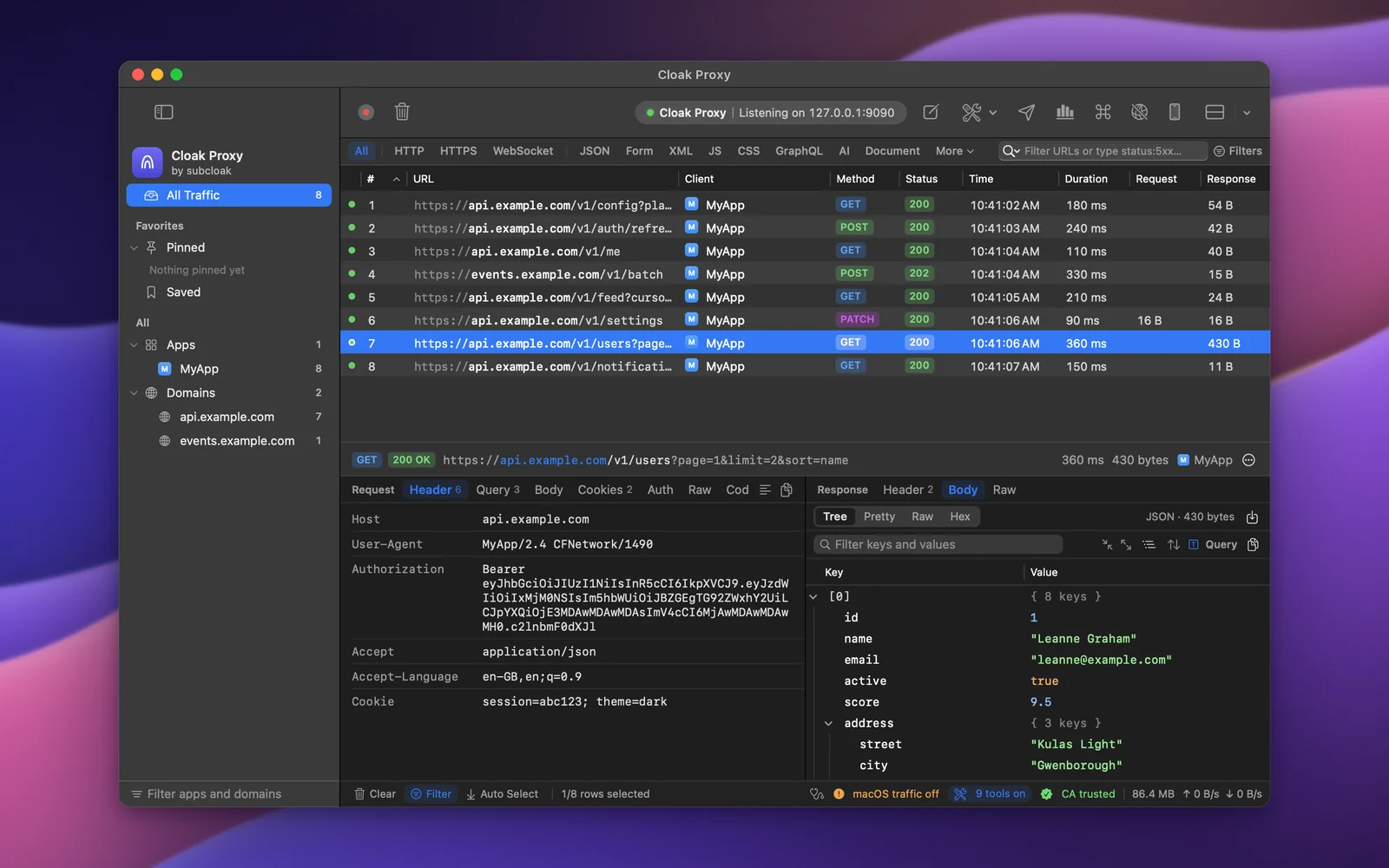
Containers don't use your Mac's proxy or keychain. Cloak Proxy writes a Compose override that points each service at it, mounts its certificate into the container, and sets the variables Node.js, Python, OpenSSL, curl, git, Deno and the AWS SDKs read, so requests show up labelled by service.
Step by step.
Install Cloak Proxy and trust its certificate
Download Cloak Proxy (free, no account) and open it. In the orange banner, click Install & Trust… and confirm with your Mac password. The certificate is made on your Mac and is unique to your install.
Choose your project
Open Proxy › Device & Runtime Setup…, choose Docker, click Choose Project… and pick the folder with your
compose.yaml.Pick the services
Under Services, leave on the ones whose HTTP traffic you want. Databases, caches and queues usually don't speak HTTP: turn them off.
Write the override
Click Write Override. With no override of your own, it's
compose.override.yaml, which Compose reads on its own.Recreate the containers
So they pick up the new settings.
Terminal docker compose up -dDecrypt your API's host
Right-click a request from it in the traffic list and choose Enable SSL Proxying for the host, or add
api.stripe.comin Cloak Proxy › Settings… › SSL Proxying. Make the request again and its headers and body show in the inspector.
Every option, screenshot and error message is in the docs:Docker.
FAQ
If something doesn't show up.
Something else? Email hello@subcloak.com or book a call.
Calls between my services
They go straight to each other: NO_PROXY lists every service and container name.
Commit the override?
It's a normal Compose file: commit it to share the setup, or add it to .gitignore, since it has your certificate's path on this Mac.
Try it on your own traffic.
Free for life, macOS 14 Sonoma or later, Apple silicon or Intel; Linux in beta. No account, no sign-up.