How to · Cloak Proxy
Capture iOS Simulator HTTPS traffic.
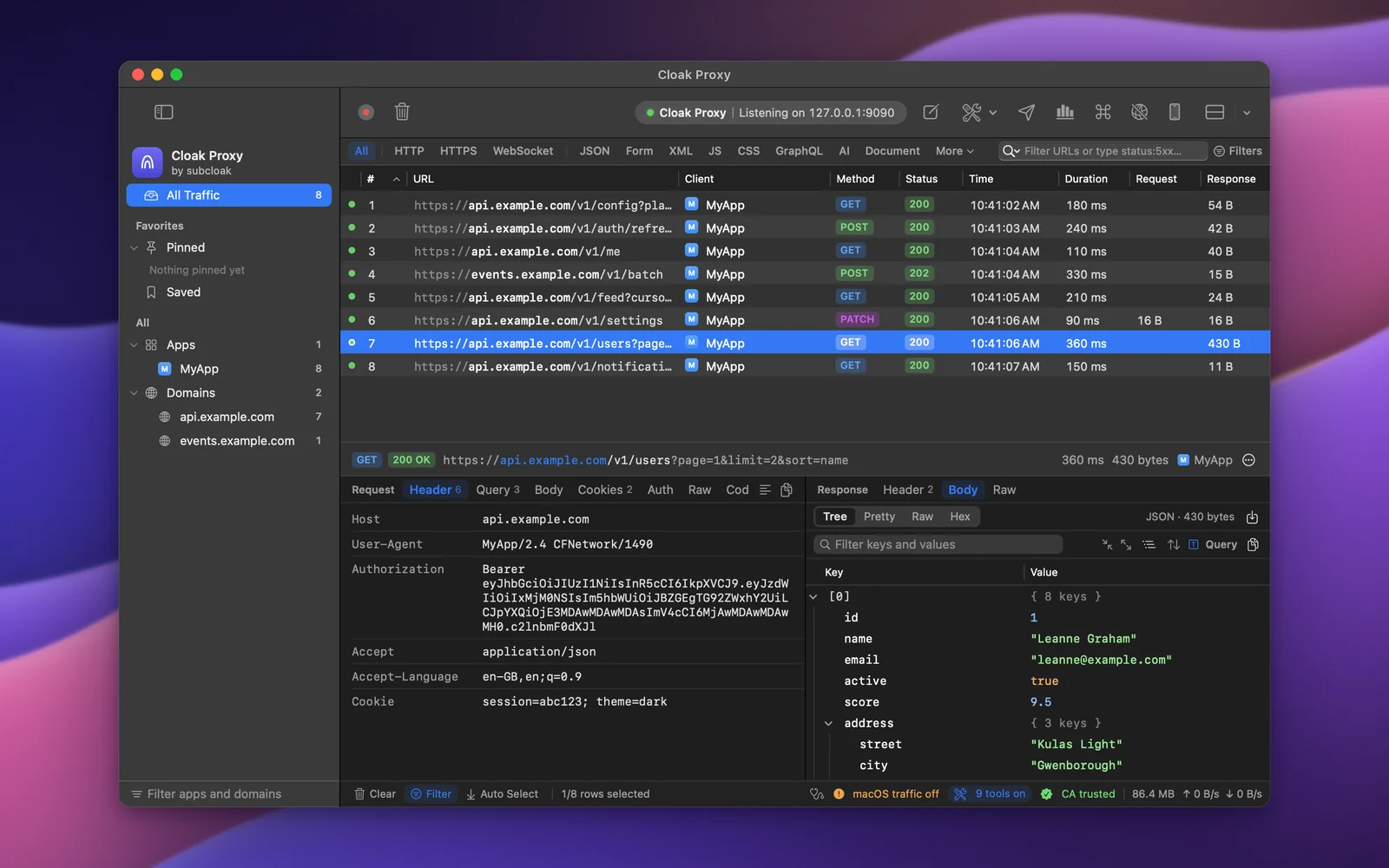
iOS, tvOS and watchOS Simulators use your Mac's network settings, so Cloak Proxy sees their requests once the macOS proxy is on. Each simulator keeps its own trusted certificates, so install Cloak Proxy's certificate in it once, with one click, then decrypt your API's host.
Step by step.
Install Cloak Proxy and trust its certificate
Download Cloak Proxy (free, no account) and open it. In the orange banner, click Install & Trust… and confirm with your Mac password. The certificate is made on your Mac and is unique to your install.
Boot your simulators
Open them from Xcode or the Simulator app. The certificate goes into every simulator that's running.
Install the certificate in the simulators
Click Devices in the toolbar, choose iOS Simulator, and click Install Certificate on All Booted Simulators. When it says Installed. Restart the app in the simulator., quit and reopen your app.
What it runs xcrun simctl keychain booted add-root-cert "$HOME/Library/Application Support/CloakProxy/cloak-proxy-ca.pem"Turn on the macOS proxy
Click macOS Proxy in the toolbar, or press ⇧ ⌘ P. You don't set a proxy inside the simulator: its requests come from your Mac.
Decrypt your API's host
Right-click a request from it in the traffic list and choose Enable SSL Proxying for the host, or add
api.example.comin Cloak Proxy › Settings… › SSL Proxying. Make the request again and its headers and body show in the inspector.
Every option, screenshot and error message is in the docs:iOS Simulator, SSL Proxying.
FAQ
If something doesn't show up.
Something else? Email hello@subcloak.com or book a call.
A new simulator shows locked tunnels again
The certificate stays until you erase the simulator. A new or erased simulator needs it installed again; the Doctor spots booted simulators without it and offers to install it.
Requests to localhost don't show
The macOS proxy bypasses localhost, *.local and 169.254/16 by default, in simulators too. Remove them from the Bypass list to capture them.
In CI or a script
cloakctl setup ios_simulator --apply simulator-certificate installs the certificate in every booted simulator without the app or a password, and exits with 2 if anything is still missing.
Try it on your own traffic.
Free for life, macOS 14 Sonoma or later, Apple silicon or Intel; Linux in beta. No account, no sign-up.